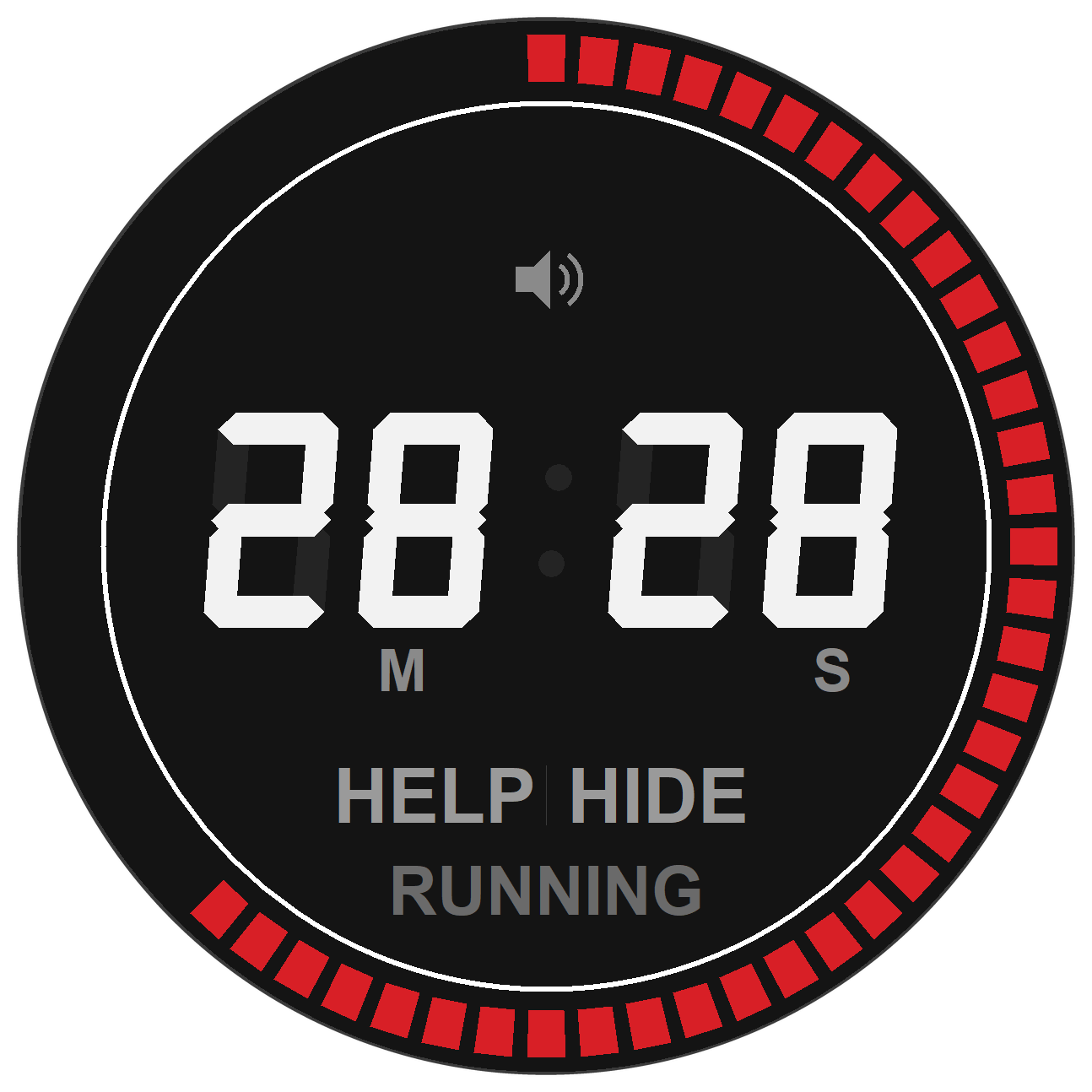
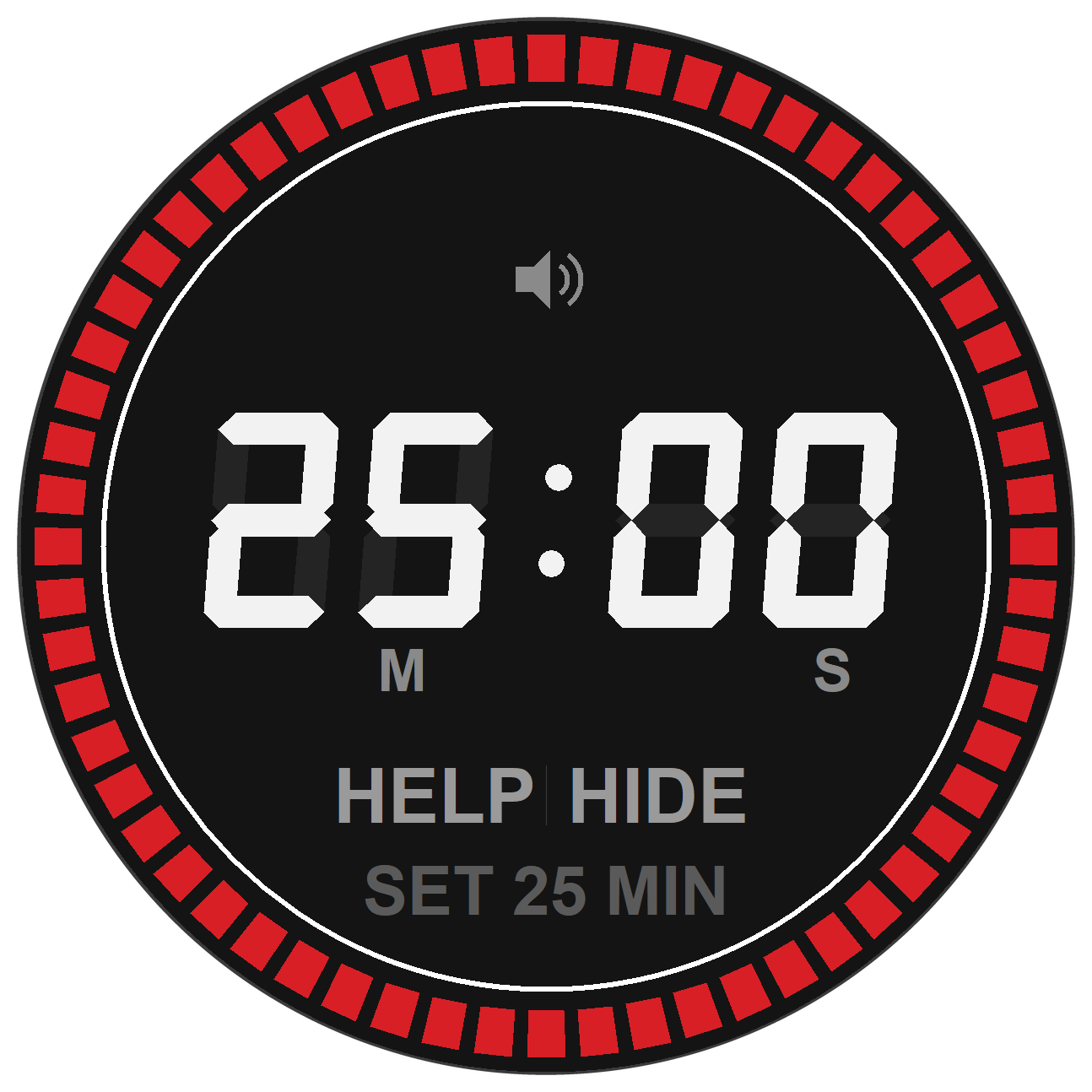
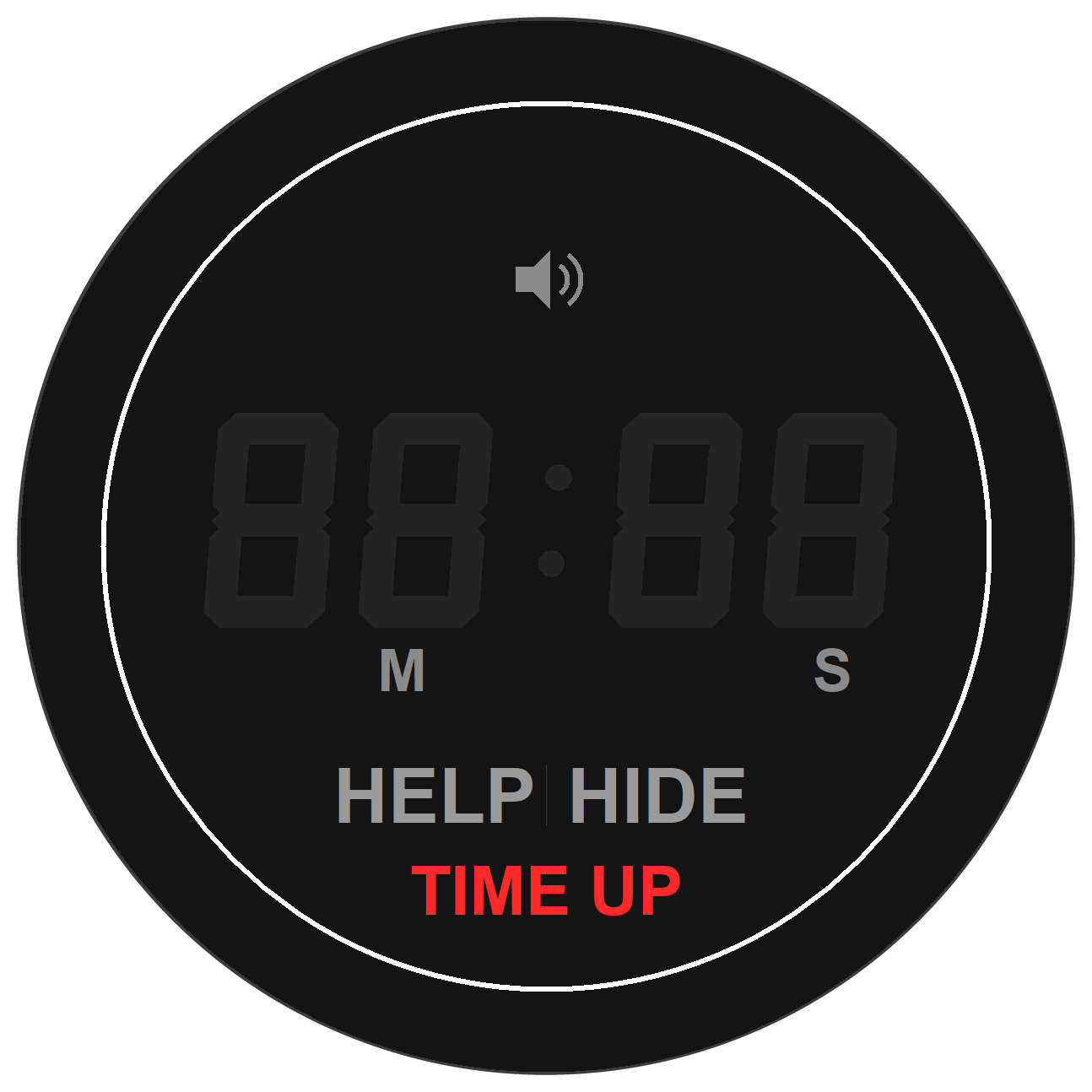
주방에서 쓰는 실물 다이얼 타이머를 화면에 그대로 옮겼습니다. 남은 시간이 빨간 눈금으로 한눈에 보이고,
평소에는 작업표시줄 트레이에 숨어 있습니다. Windows 10 / 11에서 동작하고, 파이썬 설치는 필요 없습니다.
A kitchen-timer dial moved onto your desktop. The time left reads at a glance as red ticks,
and it hides in the tray when you don’t need it. Windows 10 / 11, no Python required.
다운로드 / Download
⬇ DialTimer-1.0.3-Setup.exe 내려받기 (21.7 MB)
Windows 10 / 11 (64-bit) · MIT License
GitHub이 막힌 망에서도 위 버튼은 이 사이트에서 직접 내려받으므로 그대로 동작합니다.
The button downloads straight from this site, so it works on networks that block GitHub.
대체 경로 / mirror: GitHub 릴리즈 · 릴리즈 페이지
받은 파일이 온전한지 확인하려면 PowerShell에서
Get-FileHash .DialTimer-1.0.3-Setup.exe 를 실행해 아래 값과 비교하세요.
Verify your download with Get-FileHash against:
SHA256: E9CAF9260F319DA23C9390EAD9EC30D11A2A05B3BAB7B853EEBFED958B55A5E5
설치 방법 / Installation
- 위 버튼으로 DialTimer-1.0.3-Setup.exe 를 내려받아 실행합니다.
Download and run the installer above. - 관리자 권한이 필요 없습니다. 사용자 폴더에 설치되므로 UAC 창이 뜨지 않습니다.
No administrator rights needed — it installs per-user, so there’s no UAC prompt. - 설치 중 “Windows 시작할 때 자동 실행” 을 켜면 로그인할 때 트레이에 자동으로 뜹니다.
Tick “Run at Windows startup” to have it appear in the tray at login. - 제거는 설정 → 앱 또는 시작 메뉴의 Dial Timer 제거 로 합니다.
설정 파일(%APPDATA%DialTimer)도 함께 정리됩니다.
Uninstall from Settings → Apps; your settings are removed too.
코드 서명이 없어 Windows SmartScreen이 경고할 수 있습니다.
추가 정보 → 실행 을 누르면 설치됩니다.
The installer is unsigned — choose More info → Run anyway if SmartScreen appears.
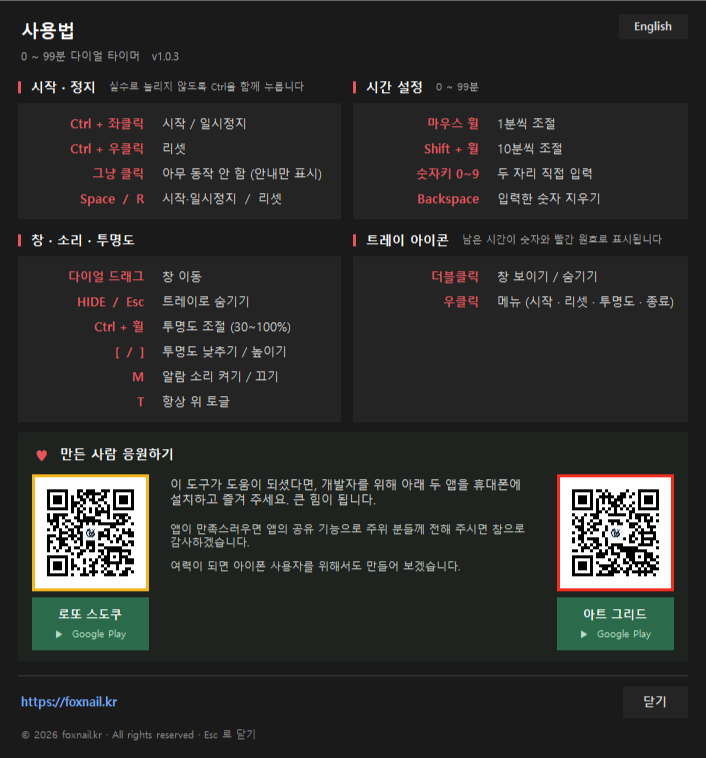
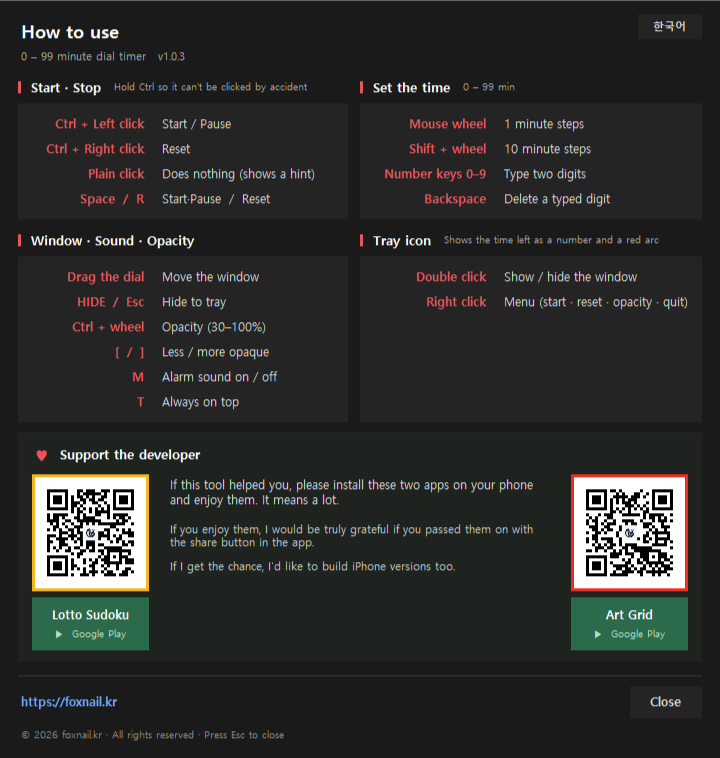
프로그램 안에서도 숫자 아래 HELP 를 누르면 같은 내용이 팝업으로 뜹니다.
Windows 표시 언어가 한국어면 한국어로, 아니면 영어로 자동 선택되고 오른쪽 위 버튼으로 바꿀 수 있습니다.
The same content is available in-app: click HELP under the digits.
It follows your Windows display language and can be switched with the button in the corner.
만든 사람 응원하기 / Support the developer
이 도구가 도움이 되셨다면, 개발자를 위해 아래 두 앱을 휴대폰에 설치하고 즐겨 주세요. 큰 힘이 됩니다.
앱이 만족스러우면 앱의 공유 기능으로 주위 분들께 전해 주시면 참으로 감사하겠습니다.
여력이 되면 아이폰 사용자를 위해서도 만들어 보겠습니다.
If this tool helped you, please install these two apps on your phone and enjoy them. It means a lot.
If you enjoy them, I would be truly grateful if you passed them on with the share button in the app.
If I get the chance, I’d like to build iPhone versions too.
▶ 로또 스도쿠 Google Play
▶ 아트 그리드 Google Play
같은 내용이 프로그램 도움말(HELP) 맨 아래에도 들어 있습니다. 1.0.3부터는 두 앱의 QR이 함께 들어 있어 폰 카메라로 바로 열 수 있습니다.
The same section is at the bottom of the in-app help.
소스 / Source
MIT 라이선스로 공개했습니다. 소스와 빌드 방법은 GitHub에 있습니다.
Released under the MIT License. Source and build instructions are on GitHub.
github.com/farmerkweon/dial-timer
UI와 로직을 분리해서 TimerCore는 tkinter를 전혀 모르는 순수 상태 머신입니다.
창을 띄우지 않고도 테스트할 수 있고, 로직 30항목 + 입력 60항목 총 90개 검사를 통과했습니다.
설치 → 실행 → 제거 전 과정도 실제로 돌려서 확인했습니다.
UI and logic are separated — TimerCore is a pure state machine that knows nothing about
tkinter and tests headlessly. 90 assertions pass, and the install → run → uninstall cycle was verified end to end.
다이얼 크기와 눈금 길이는 소스 위쪽 상수 두 개(UI_SCALE, TICK_LENGTH)로 바꿀 수 있습니다.
눈금을 늘리면 다이얼과 창 크기가 함께 커지도록 되어 있어 빈 고리가 생기지 않습니다.