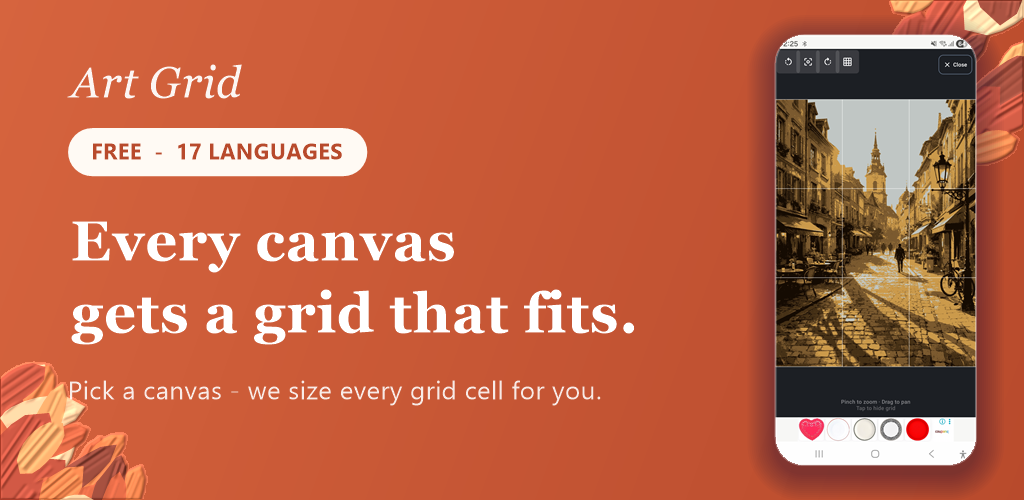
Art Grid overlays a grid on your photos so you can see proportions accurately and copy them by hand, one little square at a time. Perfect for urban sketching, portrait and landscape studies, and anyone learning to draw. No login, no sign-up — and every image is processed on your device, never sent to a server.
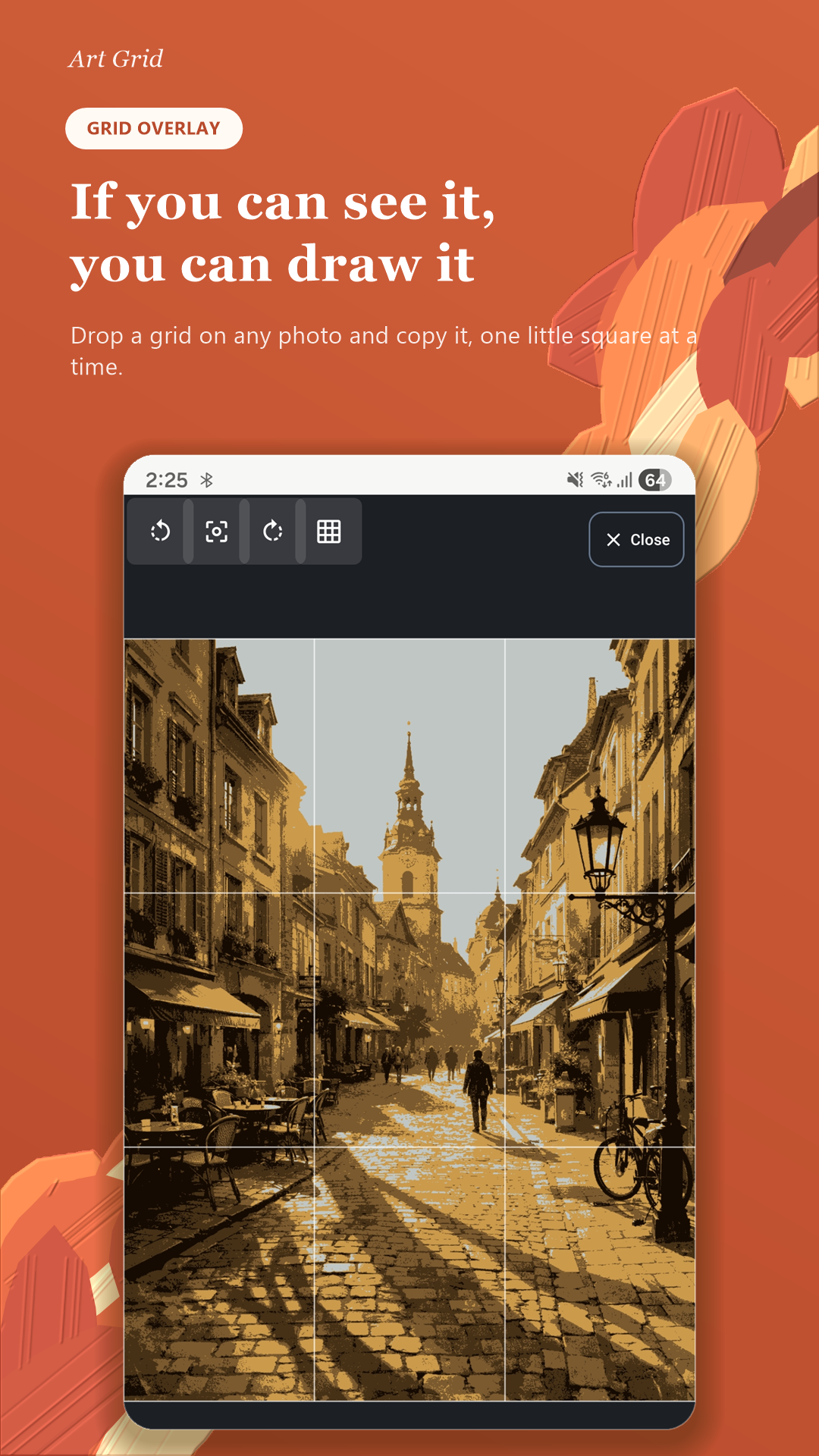
If you can see it, you can draw it
Drop a grid on any photo. Adjust the number of cells, line color and thickness, opacity, and diagonal (X) guides. A daunting drawing becomes easy when you copy it square by square.
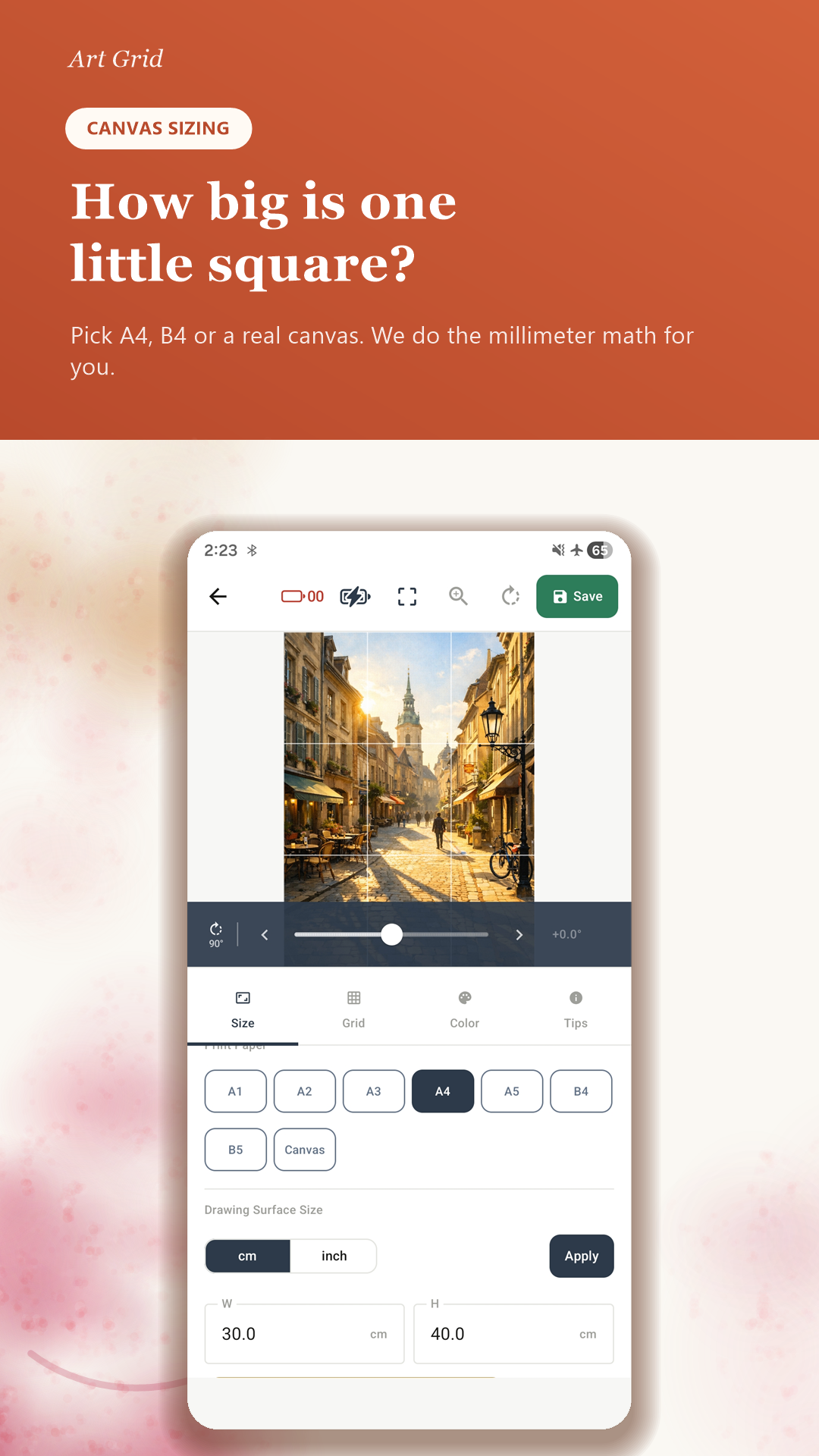
How big is one little square?
Pick a standard paper (A4, A3, B4…) or a real canvas (sizes F1–F300, F/P/M types) and Art Grid auto-calculates the real-world size of every grid cell, down to the millimeter.
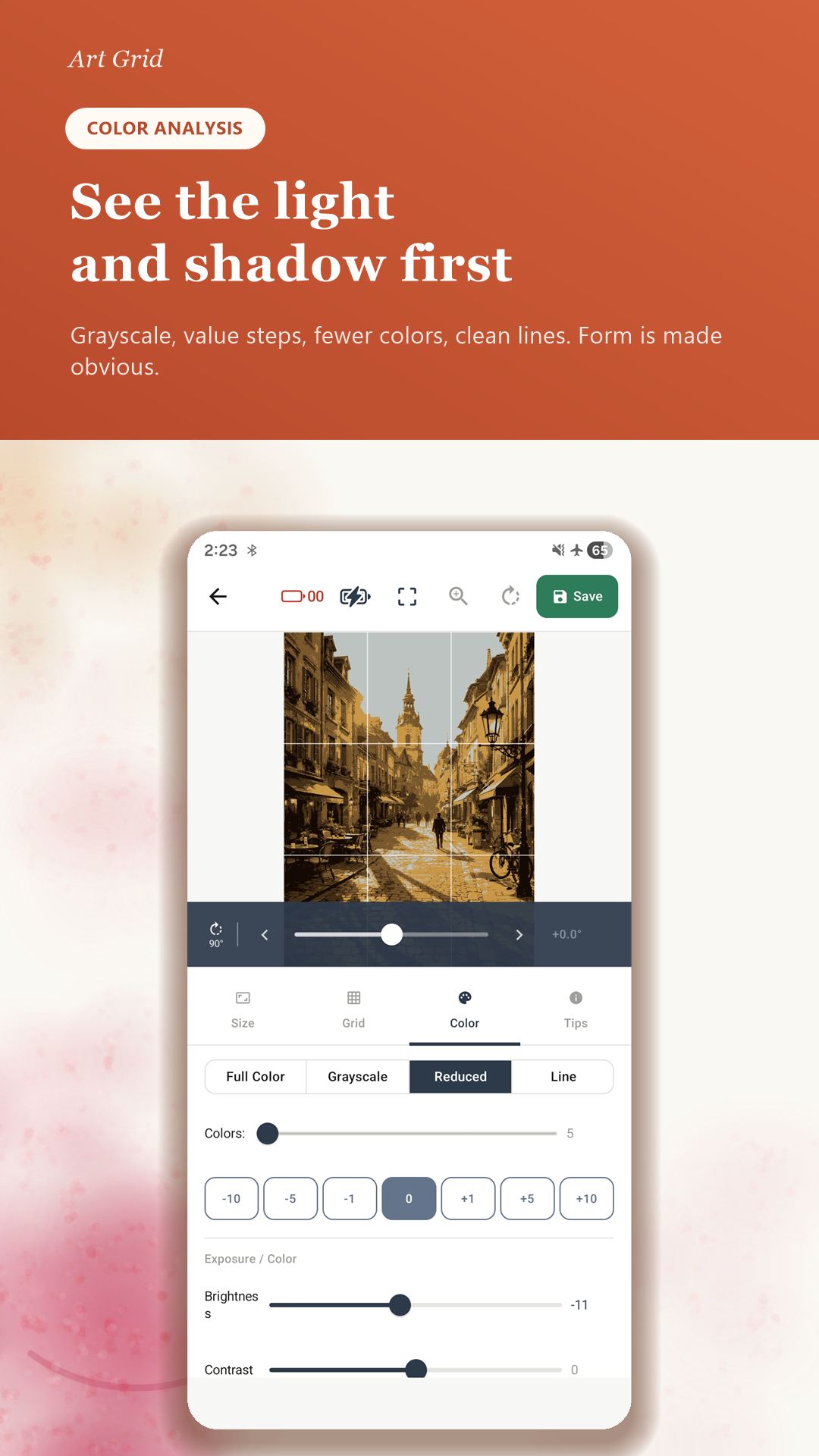
See the light and shadow first
Full color, grayscale, 11 value steps, reduced color count, and clean line (edge) modes make value and form obvious at a glance. Brightness and contrast are right there too.
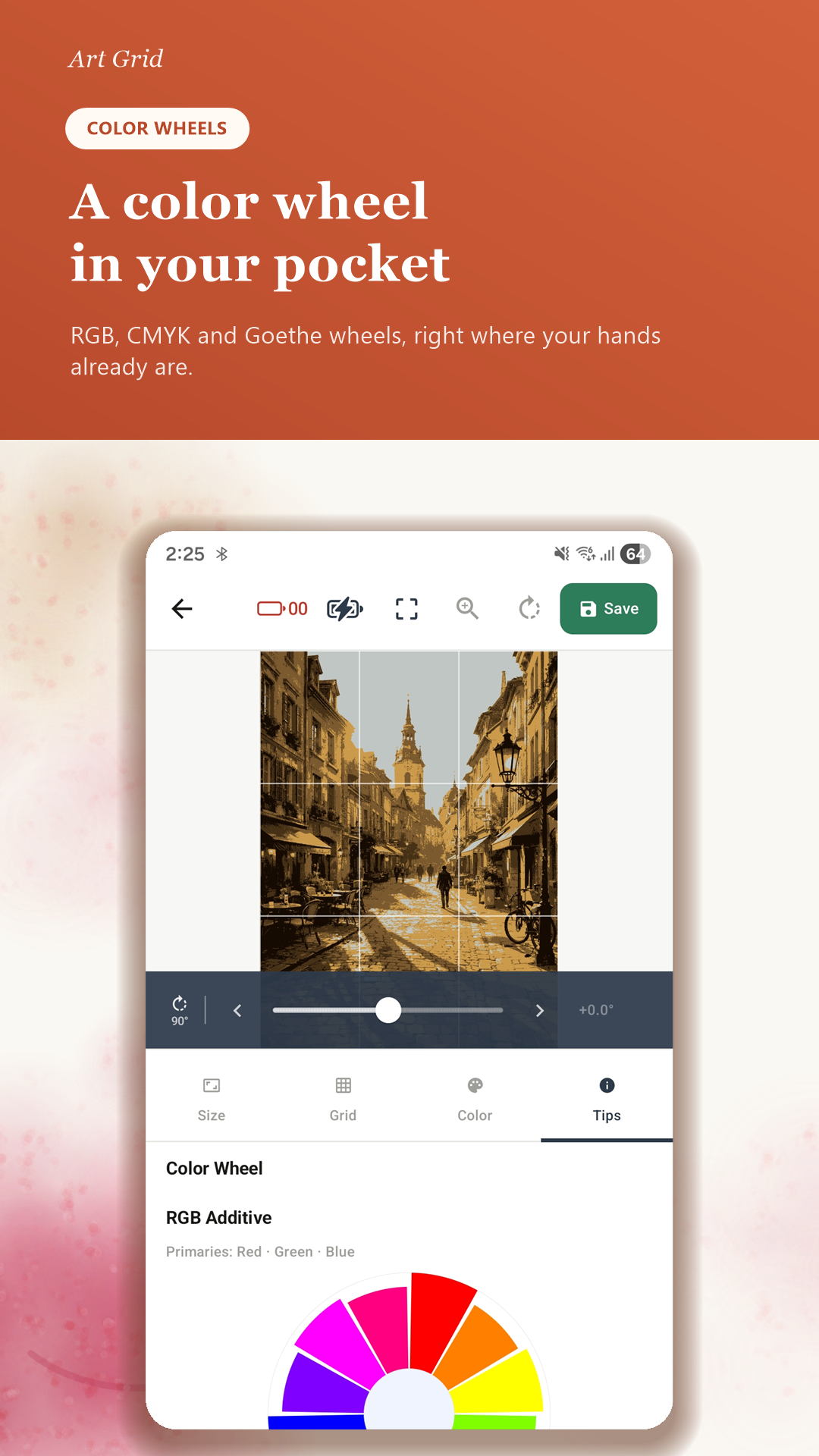
A color wheel in your pocket
RGB, CMYK, and Goethe (RYB) color wheels are built right in — handy whenever you are working out complements and palettes.
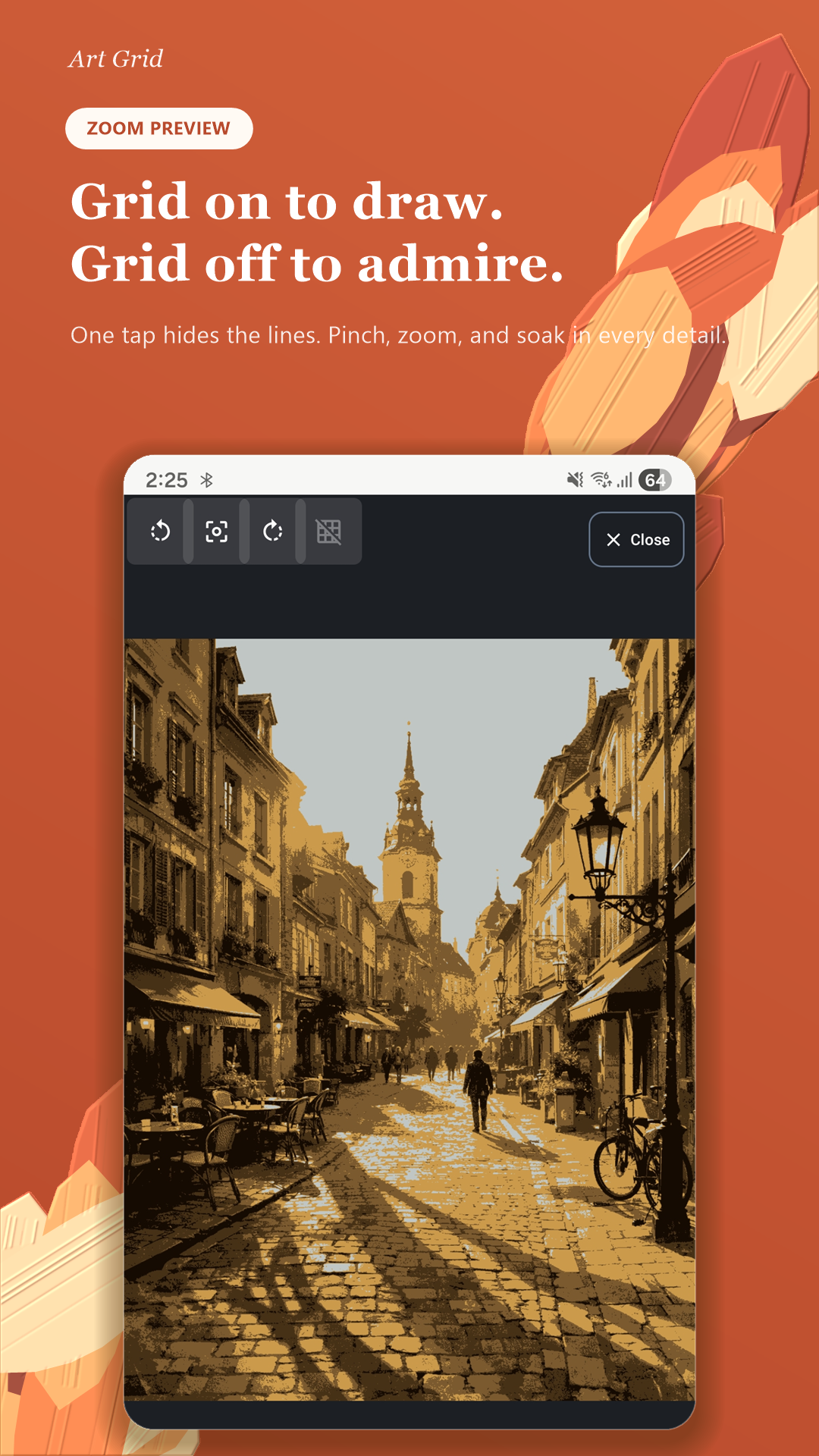
Grid on to draw. Grid off to admire.
One tap hides the lines; pinch and zoom to soak in every detail.
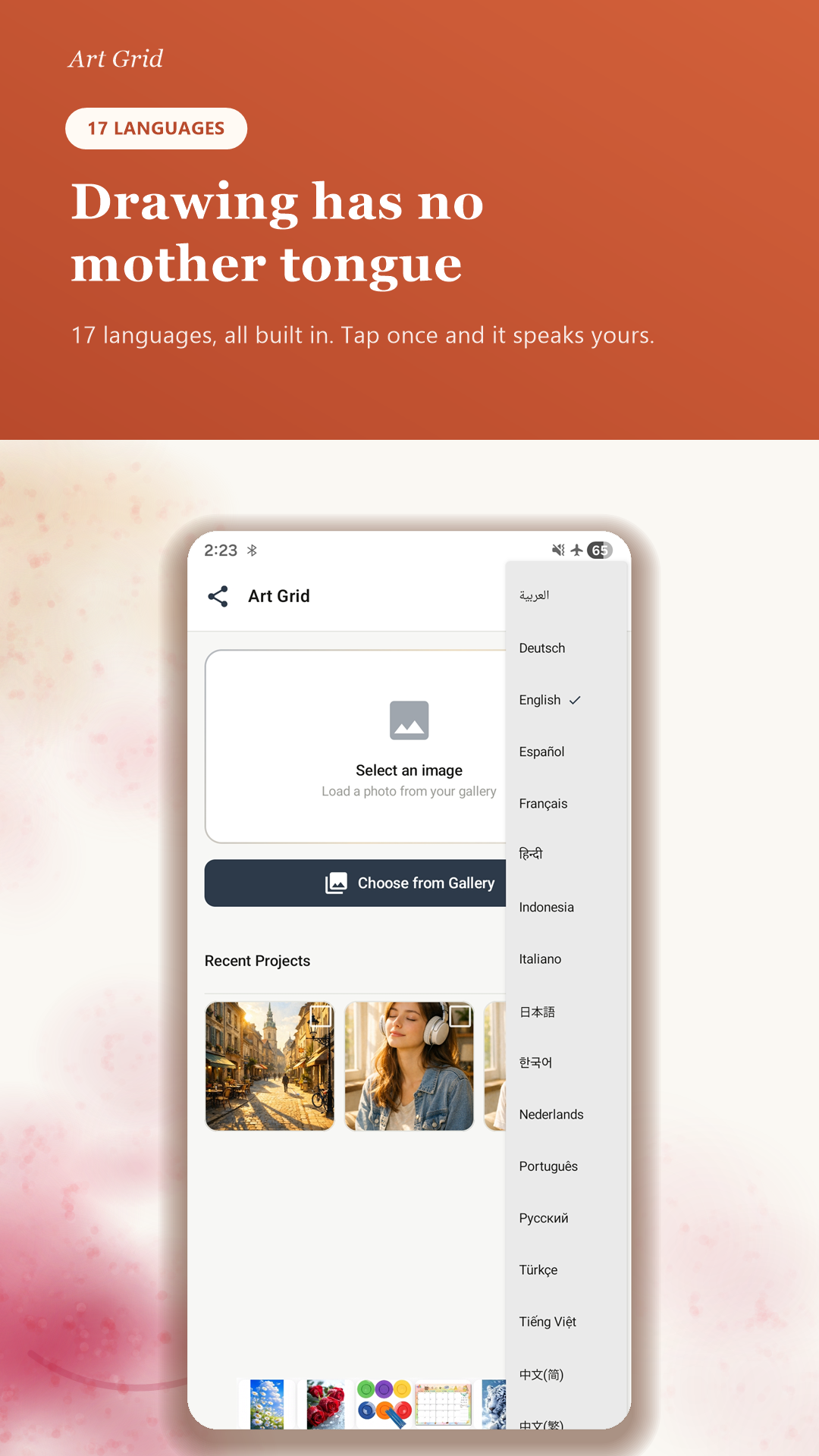
Drawing has no mother tongue
English, Korean, Japanese, Chinese (Simplified & Traditional), German, Spanish, French, Italian, Portuguese, Russian, Arabic, Hindi, Indonesian, Turkish, Vietnamese, and Dutch — 17 languages, switchable anytime inside the app.
💡 Just install and pick a photo from your gallery to begin. The free version is supported by ads.